About Site Studio
What is SAS Site Studio?
Built on the latest version of the Drupal content management system, Site Studio is a modern website platform that provides departments, centers, programs, and other SAS entities with a well-designed, accessible, and flexible solution for creating and maintaining a digital presence.
Site Studio empowers faculty and staff to build engaging websites without technical expertise. The platform combines a design system with intuitive content management tools, ensuring every website maintains high standards for accessibility, visual consistency, and user experience.
Whether you're showcasing faculty research, announcing news, promoting events, or providing resources for students, Site Studio gives you the tools to create compelling content for your audience.
Key Features
Modular Page Building System
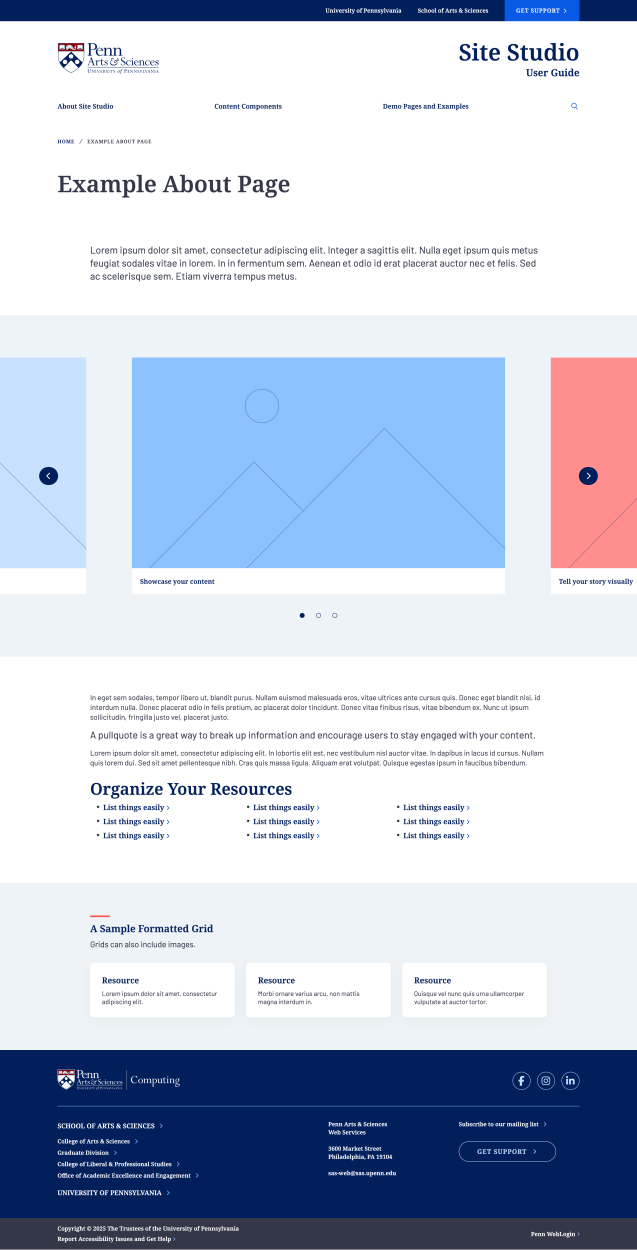
Site Studio uses a flexible component-based approach that lets you build pages using pre-designed building blocks. These components—including rich-text areas, image galleries, accordions, callouts, and more—can be arranged and rearranged to create custom page layouts without any coding.
Intuitive Content Editing
Create and format content using a word processor-style editor that makes it easy to add headings, lists, links, images, and digital media. The editor provides familiar formatting tools, so you can focus on your content rather than learning a new system. Bold, italicize, create bulleted lists, insert links, add stylized buttons, and structure your text with simple, straightforward controls.
Pre-Built Content Types
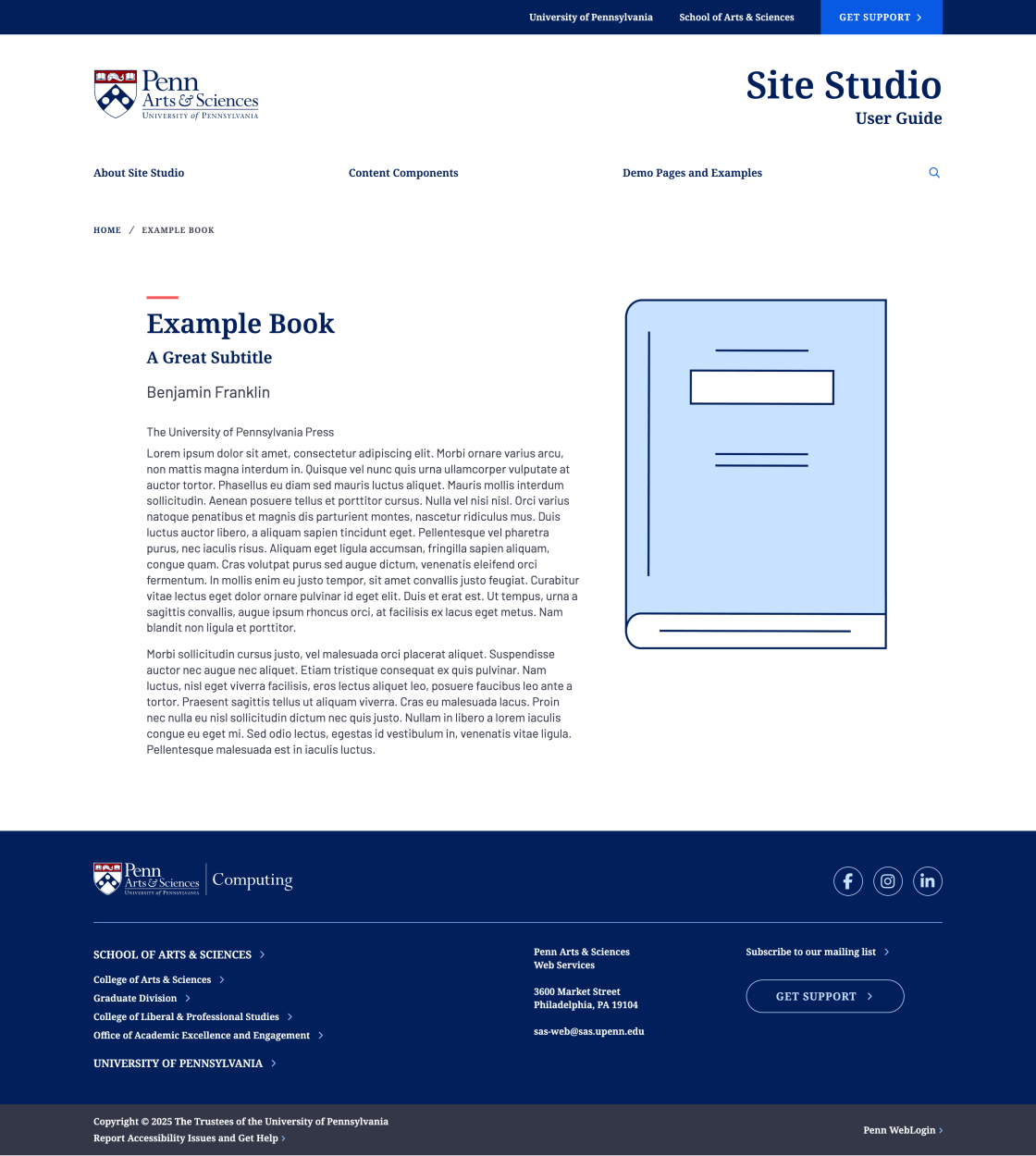
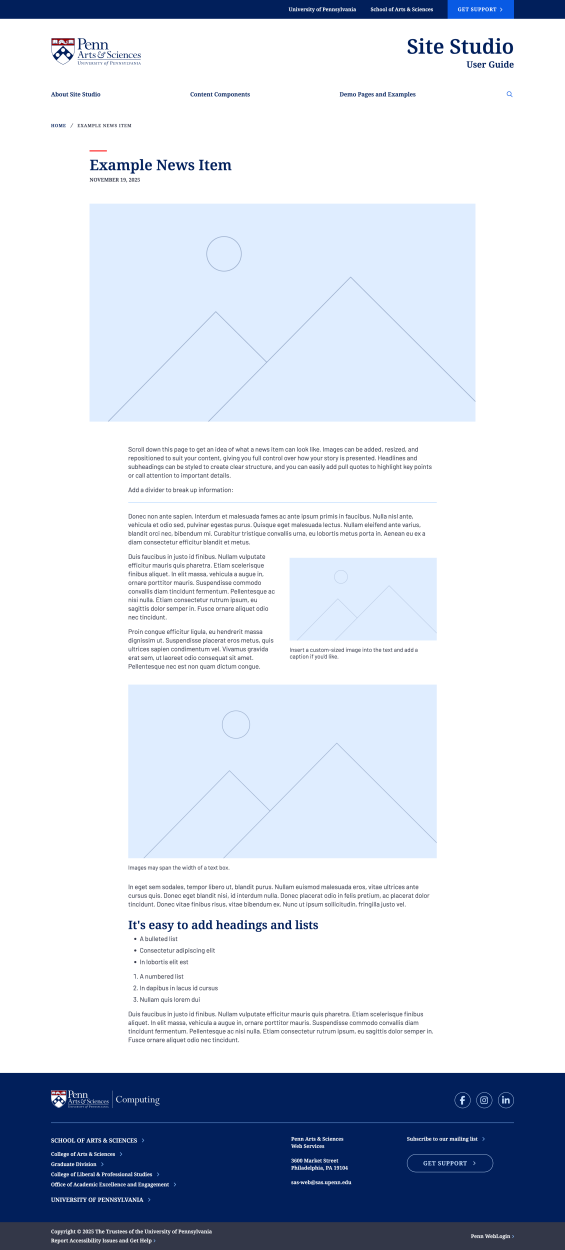
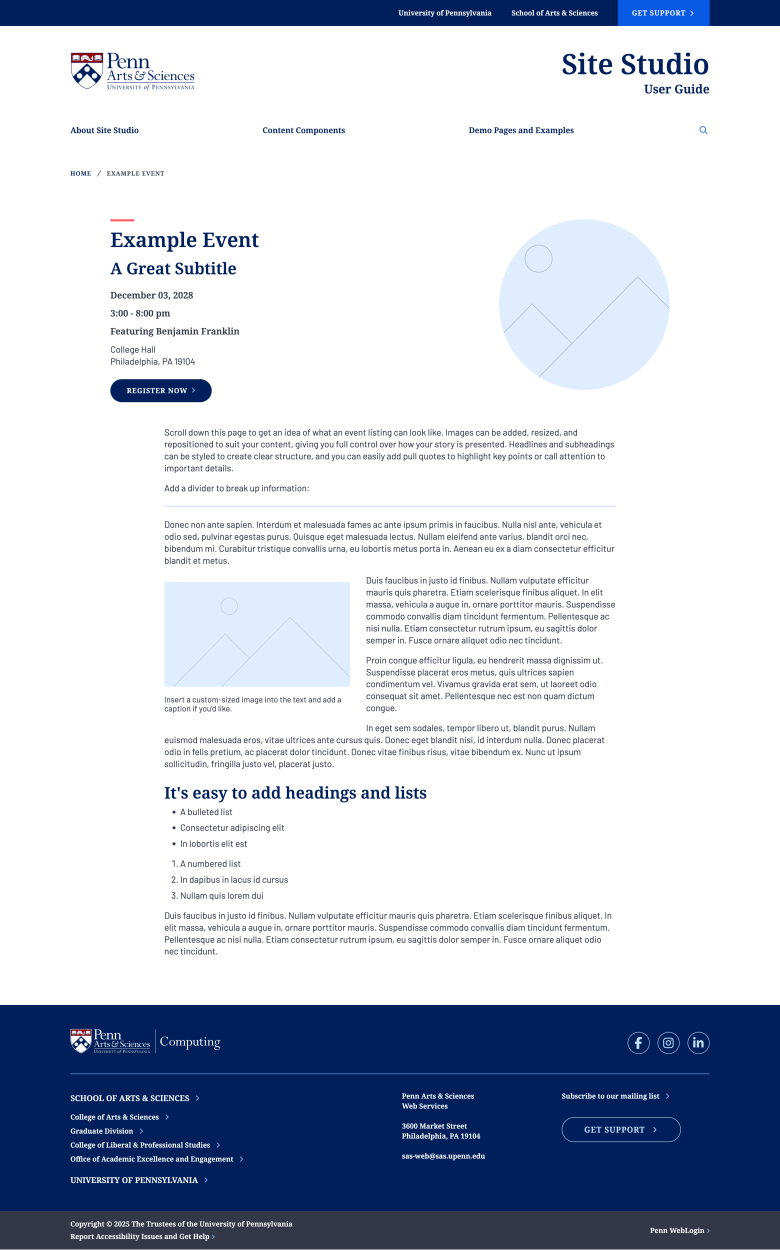
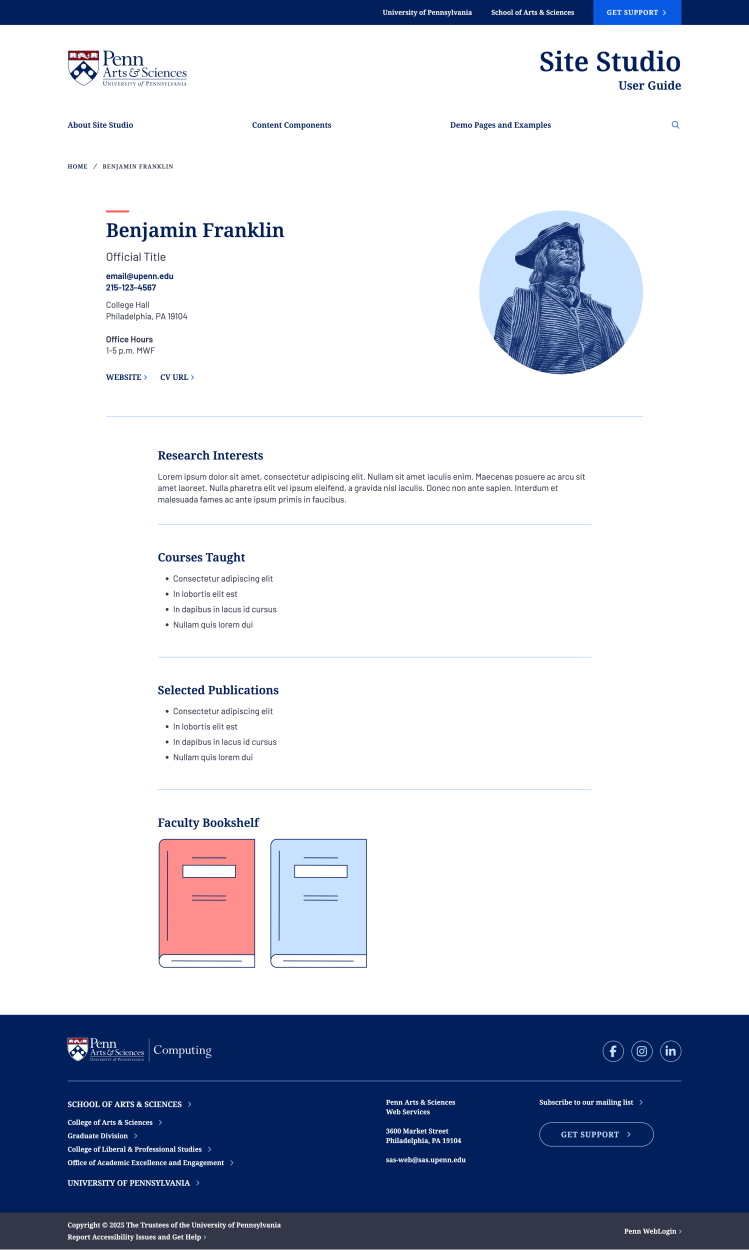
Create and manage diverse content with specialized tools designed for your needs, including news posts, event listings, faculty and staff profiles with research interests, publications and books, and modular basic pages for your content. Each content type includes relevant fields and formatting options tailored to its purpose.
Built-in Accessibility Compliance
Site Studio was built so that your site meets ADA compliance standards and is usable by all visitors. Every page you create can be automatically checked for accessibility issues using the integrated Editoria11y tool. This real-time accessibility widget helps you identify and fix potential problems during the content creation process.
Powerful Search Functionality
Site Studio includes search capabilities that make it easy for visitors to find content across your website. The search system automatically indexes all your content and provides relevant results for your users.
Course List Integration
Display course offerings using the integrated PennCourse module, which pulls course information directly from university systems and presents it in a clean format that can be filtered by term, subject, and level.
Collaborative Design Process
Our design team works closely with departments, centers, and programs to select from a wide range of design options. From color palettes and typography presets to header and footer configurations, you'll have the flexibility to create a distinctive look while maintaining consistency with SAS design and branding standards.
Streamlined Migration Process
If you're moving from an older Drupal or CampusPress site, Site Studio includes automated migration tools that preserve your existing content, including pages, posts, events, profiles, images, and files, making the transition smooth and minimizing manual data entry.
Continuous Platform Improvements
As a centrally managed platform, Site Studio receives ongoing development support and regular security updates from the SAS Web Team. New features and components are continuously added to the platform, and all sites benefit from platform-wide enhancements without requiring individual updates. Your site stays current, secure, and equipped with the latest capabilities automatically.